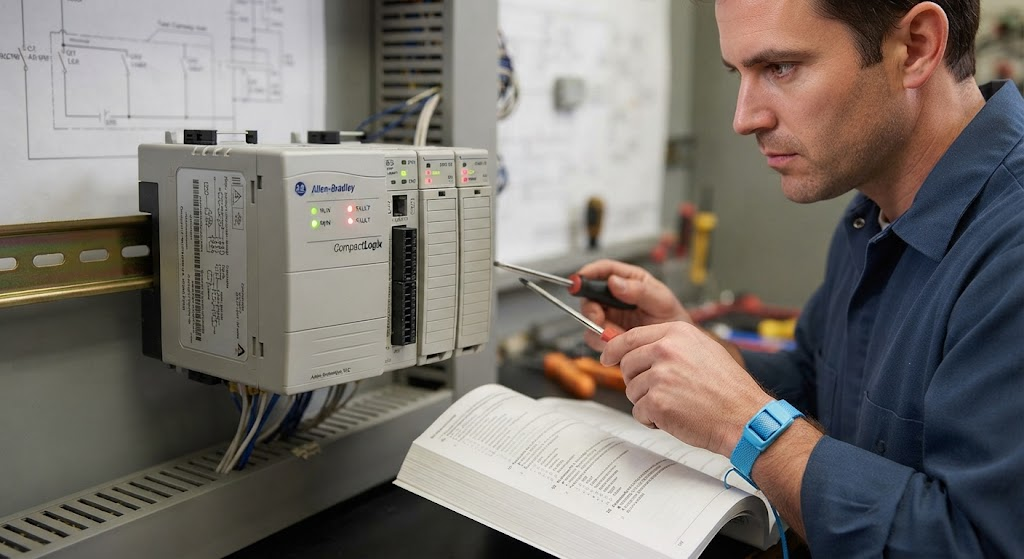
A PLC or machine that will not run may have a controller fault, safety condition, missing permissive, I/O issue, network failure, or a sequence waiting for feedback. Start by identifying whether the controller itself is stopped or the machine logic is intentionally holding an output off.
Check controller state
Record controller mode, major and minor faults, keyswitch position, task status, and the first diagnostic message. Preserve the project and fault information before clearing anything. Do not download a project simply because the machine is stopped.
Check safety and permissives
Verify the machine’s safety status using the approved site procedure. Review guard, emergency-stop, safe-motion, air-pressure, drive-ready, and downstream-ready conditions. Safety devices must not be bypassed for troubleshooting.
Check I/O and feedback
Compare field conditions, module indicators, online tags, and sequence state. If a sensor is expected but missing, use PLC I/O troubleshooting. If a drive or remote device is unavailable, check the relevant network path.
Check program state
Find the active step, false permissive, timeout, inhibited routine, force, or mode condition holding the sequence. Good programs expose this through diagnostics. A manual command should still respect the machine’s safety and equipment interlocks.
Record and correct the first cause
Capture the state before repeated resets change the evidence. After correcting the cause, test startup, stop, fault, recovery, and loss-of-communication behavior. TechControl provides industrial troubleshooting and PLC programming support.
Ready to bring your project to life?
Contact Us